01
Lock down the router
- Swap to a kid-safe DNS
- Block adult + gambling categories
- Set per-device schedules
- Lock guest WiFi
The Complete Blueprint gives you the full parent-friendly plan: block adult content, lock down devices, stop common workarounds, and set screen-time rules without becoming an IT person.
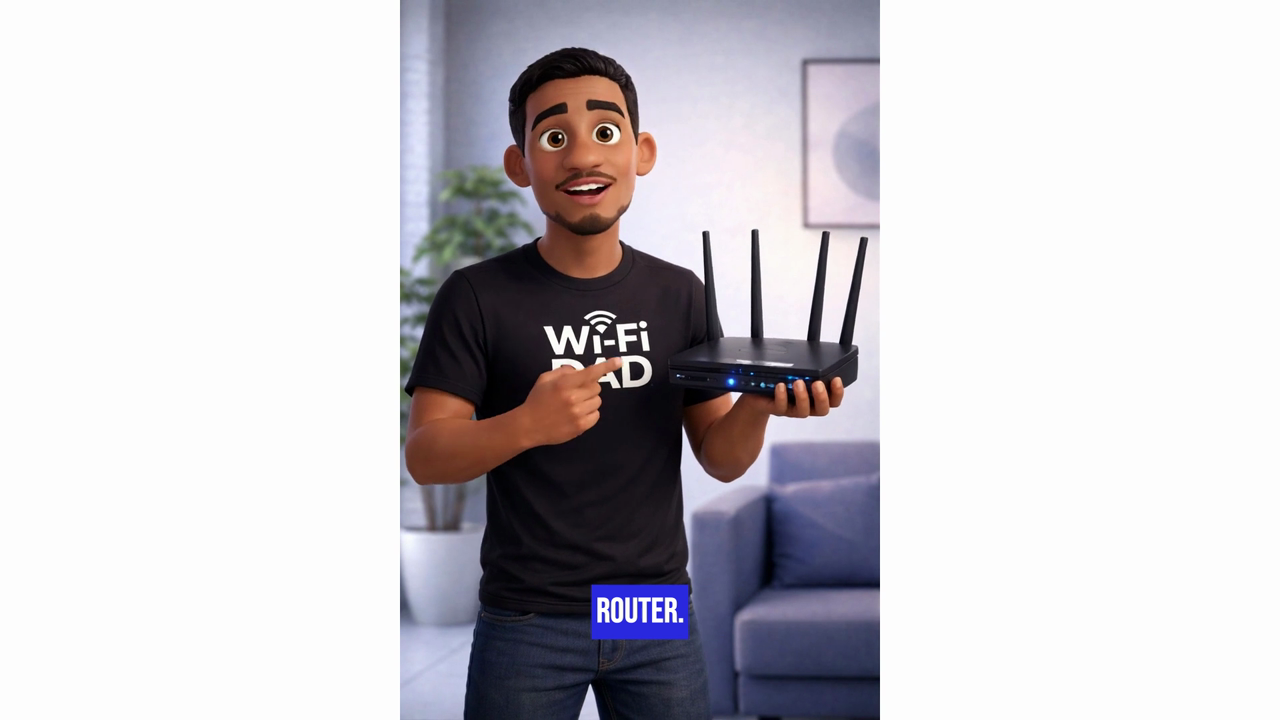
The WiFi Dad is for regular parents who know something needs to change but don't want to become the family IT department. The Complete Blueprint gives you one organized path instead of making you piece together router settings, phone controls, TV restrictions, and app limits on your own.
These plain-English guides answer the questions parents search when something already feels off. Each one connects back to the Complete Blueprint when you need the full house covered.
Start with the one box every device uses before chasing every screen separately.
Whole home How to block adult sites on every deviceWhy router filtering still needs phones, TVs, consoles, and computers checked.
Bypasses How kids bypass parental controlsVPNs, guest WiFi, private browsing, app installs, and alternate devices.
Checklist A parent control checklist for home internetThe order to follow when you want the whole house protected, not one device.
DNS filtering is the most powerful tool a parent has - and almost nobody knows about it. The Blueprint shows you exactly how to set it up in 15 minutes.
We tell you the exact admin address for your router brand. Spectrum, AT&T, Netgear, ASUS, Eero - covered.
Change your DNS to a kid-safe one (CleanBrowsing, Cloudflare Families, NextDNS). Plain instructions, real screenshots.
Adult content is blocked house-wide - instantly. Doesn't matter what device, what browser, what app. The router handles it.
The router is the foundation. The Blueprint adds device-specific protection on top - screen time, app limits, bypass prevention.
The lessons are built to be self-explanatory. If you get stuck or aren't sure what to do next, Blueprint AI is built in to help.
Real reviews from real homes.
"Had it set up in 12 minutes. My 13-year-old can't get past it. Worth every penny."
"The AI helper is a game changer. It actually understood my weird ISP modem and walked me through it."
"Finally - instructions that don't assume I'm an engineer. Slept better that night knowing the kids were safe."
The safest choice is the Complete Blueprint: all 3 protection layers, broken into short step-by-step modules, with Blueprint AI, email support, lifetime access, and no subscription.
All 3 protection layers: home WiFi/router protection, device lockdown, apps and websites, Smart TVs, schedules, bypass prevention, Blueprint AI, and email support if you get stuck.
Router-level protection for adult sites, guest WiFi, proxy sites, and common workarounds.
Controls for phones, computers, consoles, app installs, browsers, chat, and purchases.
Block apps and unsafe sites, tighten Smart TVs, and set homework, bedtime, and weekend rules.
Not sure which one to choose? The Complete Blueprint is the safest path because it covers the router, every device, apps, TVs, schedules, and support.
Yes - once you set up DNS filtering at the router, every device on your WiFi (iPads, phones, Smart TVs, consoles, laptops) is protected automatically. The Blueprint walks you through exactly how to do it for your specific router.
No. Every lesson is written for non-technical parents. If you can tap things on your phone, you can do this.
The Blueprint works with most routers - Spectrum, Xfinity, AT&T, Verizon, Google Nest, Eero, Netgear, ASUS, TP-Link, and more. Some ISP routers don't let you change certain settings (like DNS) - in that case you'll need an aftermarket router, which is pretty inexpensive ($60-$120) and easy to get from Amazon. We recommend specific models inside the Blueprint, and Blueprint AI helps you figure out what your specific router can and can't do.
The router-level protection (which covers every device) takes about 15 minutes. Adding device-specific controls is another 30 minutes per device, as you have time.
Module 8 is built for exactly this - VPNs, proxies, alt accounts, private browsing. We close every common workaround.
Reach out and we'll make it right. The goal is simple: help you get into the Blueprint and protect your home without getting stuck.